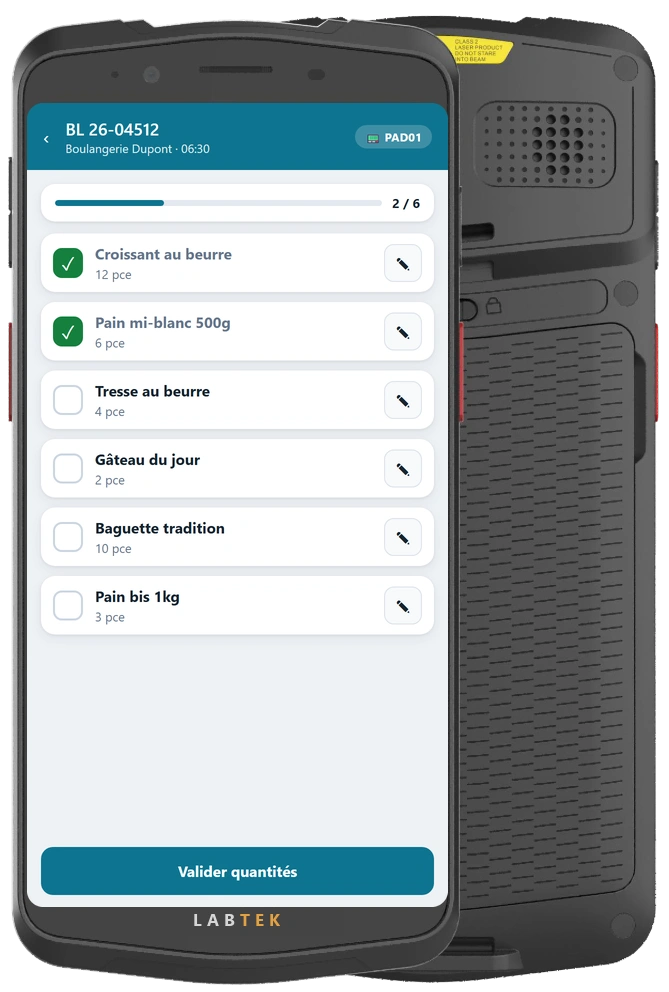
Labtek PAD ME65
- Built-in barcode scanner (1D/2D)
- Swap the battery without restarting the terminal.
- Ready for the production floor, with protection against water and dust (IP67).
- Bright 6″ display, readable anywhere
Guide order picking, keep track of stock and let your team know when things change. The information they need is right where they work.
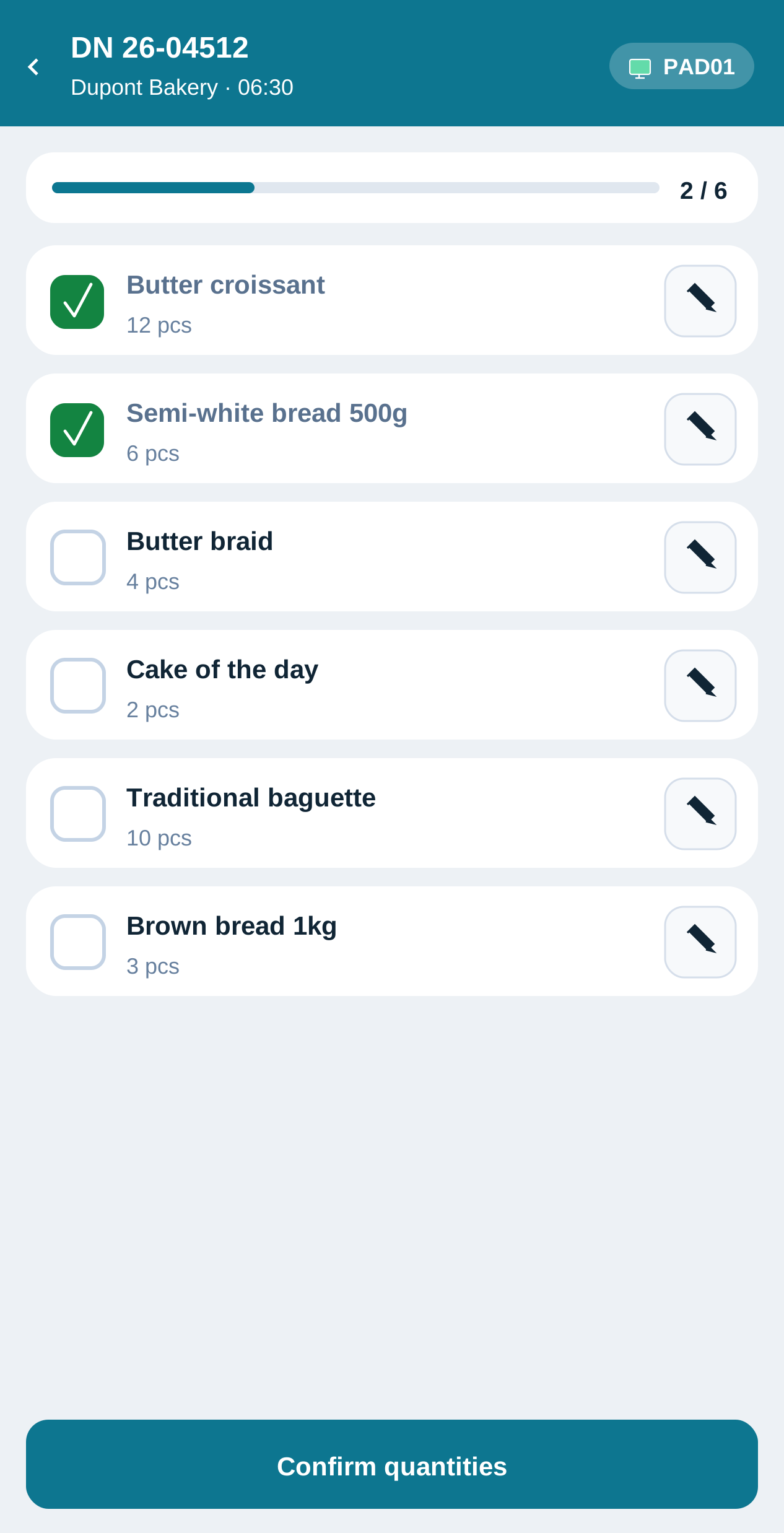
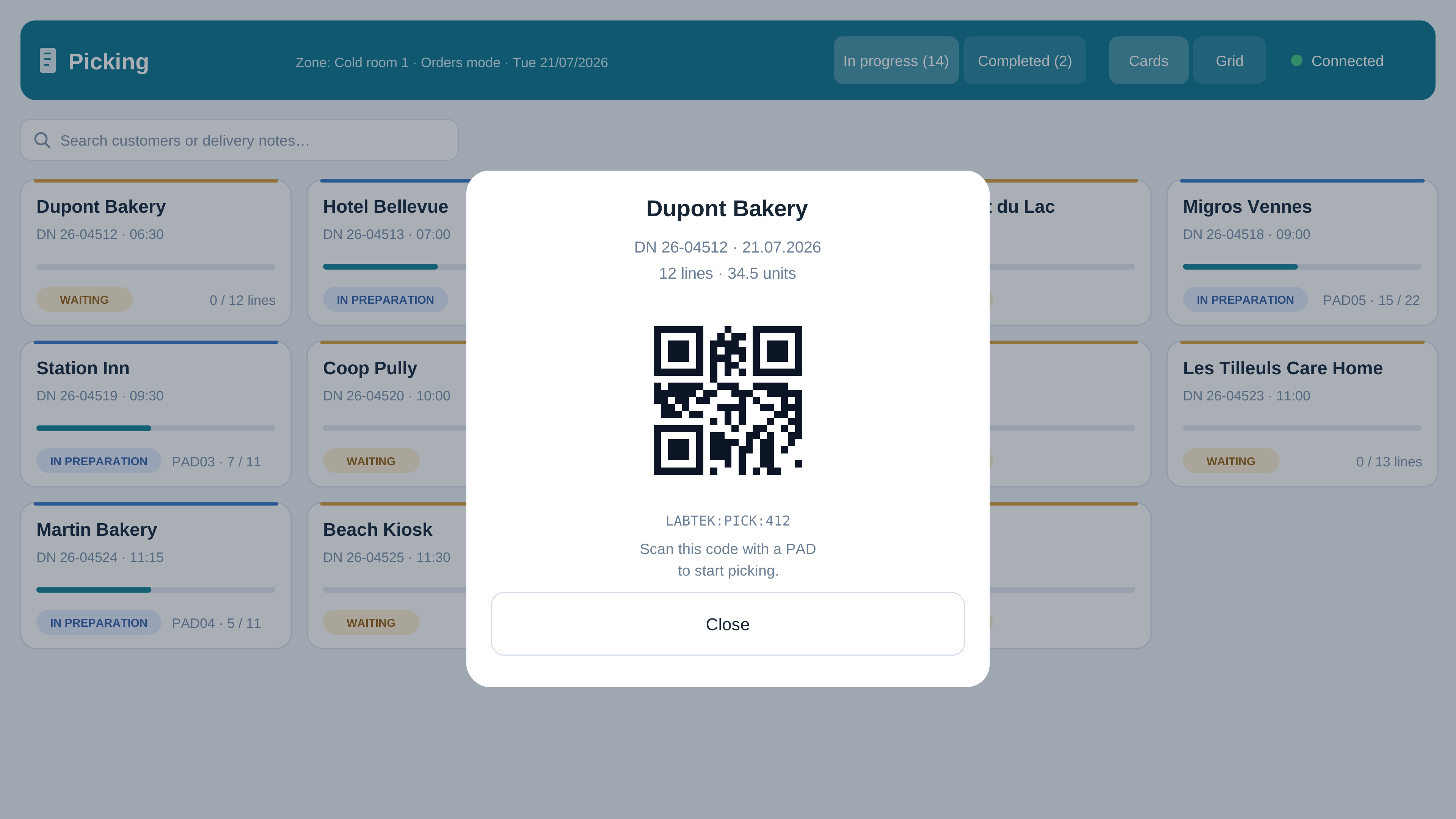
Your team works through each order item by item on the terminal. Each confirmation is shared in real time: everyone can see what’s done and what’s left to pick.
Short on an item? Adjust the quantity on the terminal. The delivery note updates in your ERP without re-entering the data. The original order quantity stays on record.
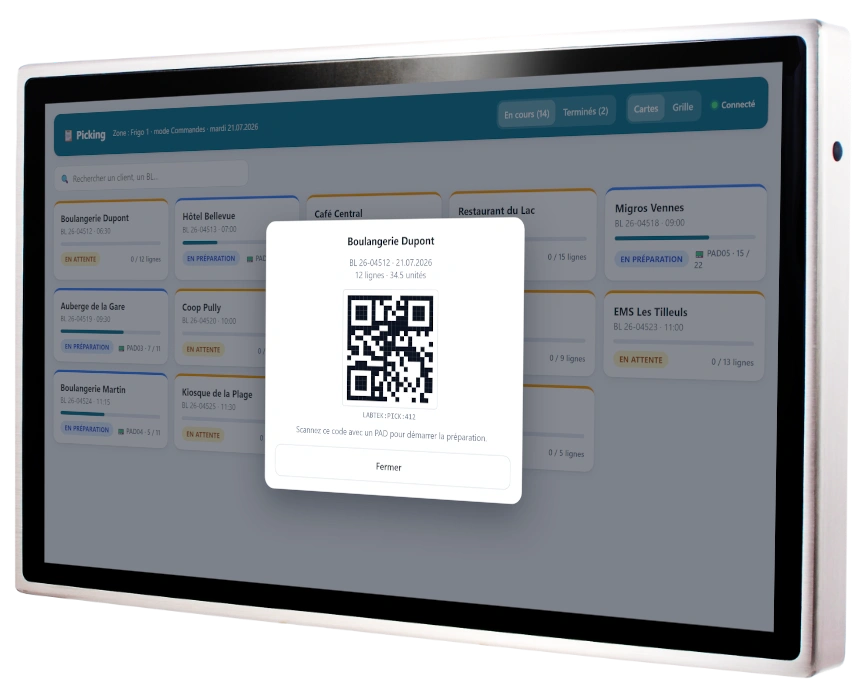
See the total quantity to pick for each product at a glance. Labtek then shows you how much to allocate to each customer, without adding up orders by hand.
Not every team picks orders the same way. Choose picking by customer or by product for each area.
Track what comes in, what goes out and what remains in each area. Labtek records every movement, with batch numbers, expiry dates and a photo when needed. You’re alerted when a product reaches the stock level you’ve set.
Count, enter, saved. Complete your stocktake directly on the terminal, with no paper or data to re-enter.
Moving a product to another area? Record the transfer: Labtek subtracts the quantity from the source stock and adds it to the destination stock. No double entry.
See the quantities available in each area and keep a record of every movement. Your products move. You keep track.
Keep an eye on the orders that matter to you. Based on your criteria, Labtek flags new orders, changes and cancellations directly to the right teams.
Within each area, the team shares one view of alerts. Changes stay on record, and unread alerts are flagged.
An order you need to keep an eye on? Find it on the right day in your planner. Labtek automatically brings together the orders to watch in the days ahead.
As your day moves on, so does the display. At the changeover time, the planner automatically switches from today to tomorrow.
A terminal for picking. A screen for sharing information. Your devices are supplied with Labtek already configured, ready to use.
See how your team could prepare orders, track stock and receive alerts, using your own data.
Get to know Labtek with no commitment, then roll it out gradually to suit your production needs.